 DayPilot
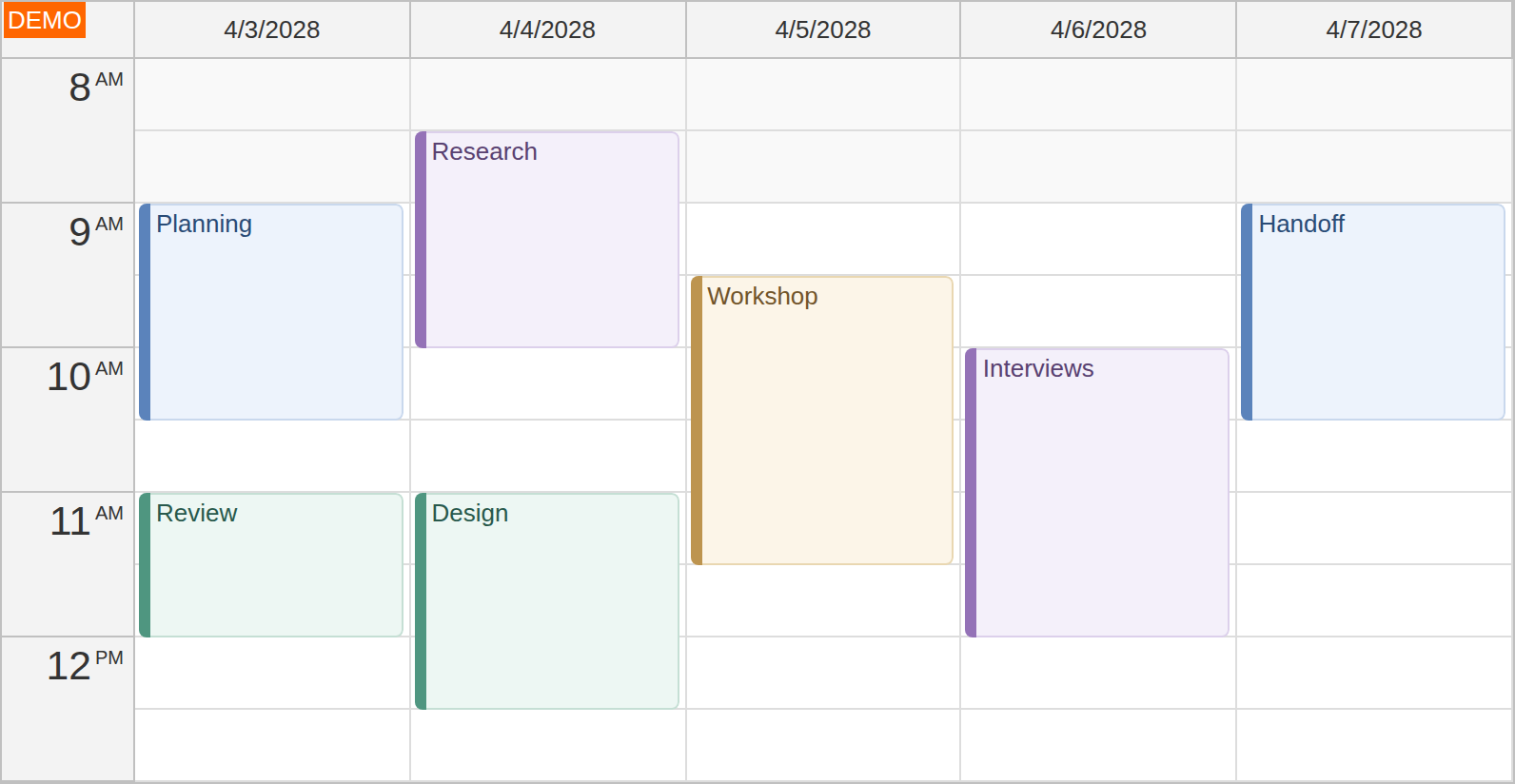
hourWidth: 70 in the examples.Use hourWidth to set the default time-header column width in pixels. The JavaScript default is 60 pixels; defaults in other editions may differ.
The examples set the column width to 70 pixels in an existing Calendar. Retain its other settings.
JavaScript
const calendar = new DayPilot.Calendar("dp", {
  hourWidth: 70
});
calendar.init();
Angular
<daypilot-calendar [config]="config"></daypilot-calendar>import {DayPilot} from "daypilot-pro-angular";
config: DayPilot.CalendarConfig = {
hourWidth: 70
};React
import {DayPilot, DayPilotCalendar} from "daypilot-pro-react";

<DayPilotCalendar
  hourWidth={70}
/>
Vue
<script setup lang="ts">
import {DayPilot, DayPilotCalendar} from "daypilot-pro-vue";

</script>

<template>
  <DayPilotCalendar
    :hourWidth="70"
  />
</template>
Grouped Headers
For multiple header columns, each level can specify its own width. See Grouped Time Headers for per-level widths and the hourWidth fallback.
Availability
Availability of this feature in DayPilot editions:
| Product | Lite | Pro |
|---|---|---|
| DayPilot for JavaScript | ||
| DayPilot for ASP.NET WebForms | ||
| DayPilot for ASP.NET MVC | ||
| DayPilot for Java |